Using LRC Files in Karadeo
Already exported your LRC or Enhanced LRC files from QuickLRC? This guide shows you how to use them in Karadeo to create professional karaoke videos with word-level highlighting and multiple template styles.
Creating Lyrics Videos with LRC Files
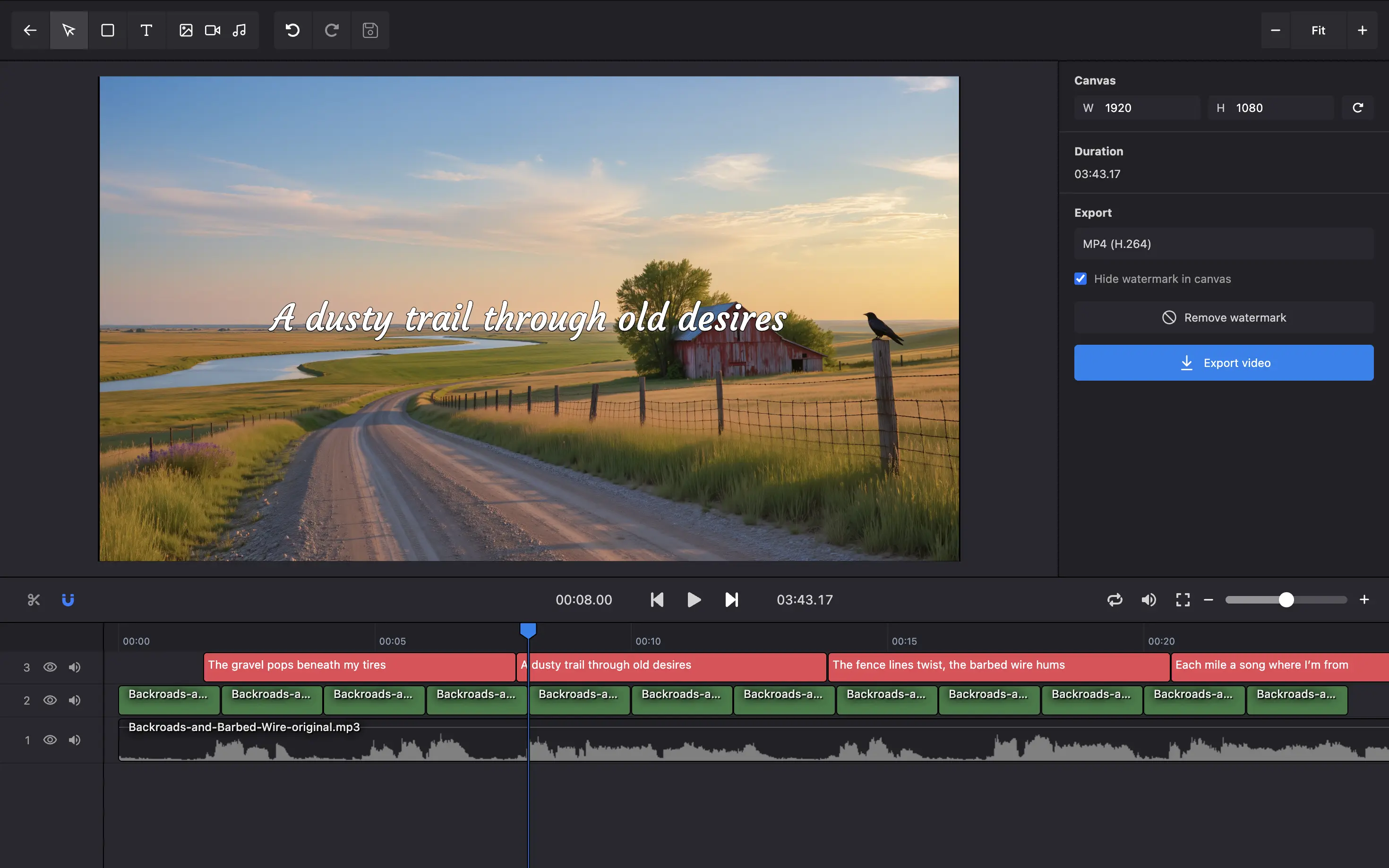
Karadeo fully supports standard LRC files, displaying lyrics line by line as your song plays. This creates a clean, traditional karaoke experience perfect for sing-along videos.
Generate Your LRC File
Use QuickLRC's AI LRC Generator to create a perfectly timed LRC file from your audio. Upload your song, and QuickLRC will automatically transcribe and sync the lyrics.
LRC File Format Example:
[00:01.68]The gravel pops beneath my tires
[00:07.76]A dusty trail through old desires
[00:13.82]The fence lines twist, the barbed wire hums
[00:20.48]Each mile a song of where I'm from
[00:25.96]The sky so wide it swallows the sun
[00:31.90]And the day fades slow but I ain't done
Open Karadeo Editor
Go to karadeo.com and click "Get Started" to open the karaoke video editor.
Import Your Audio and LRC
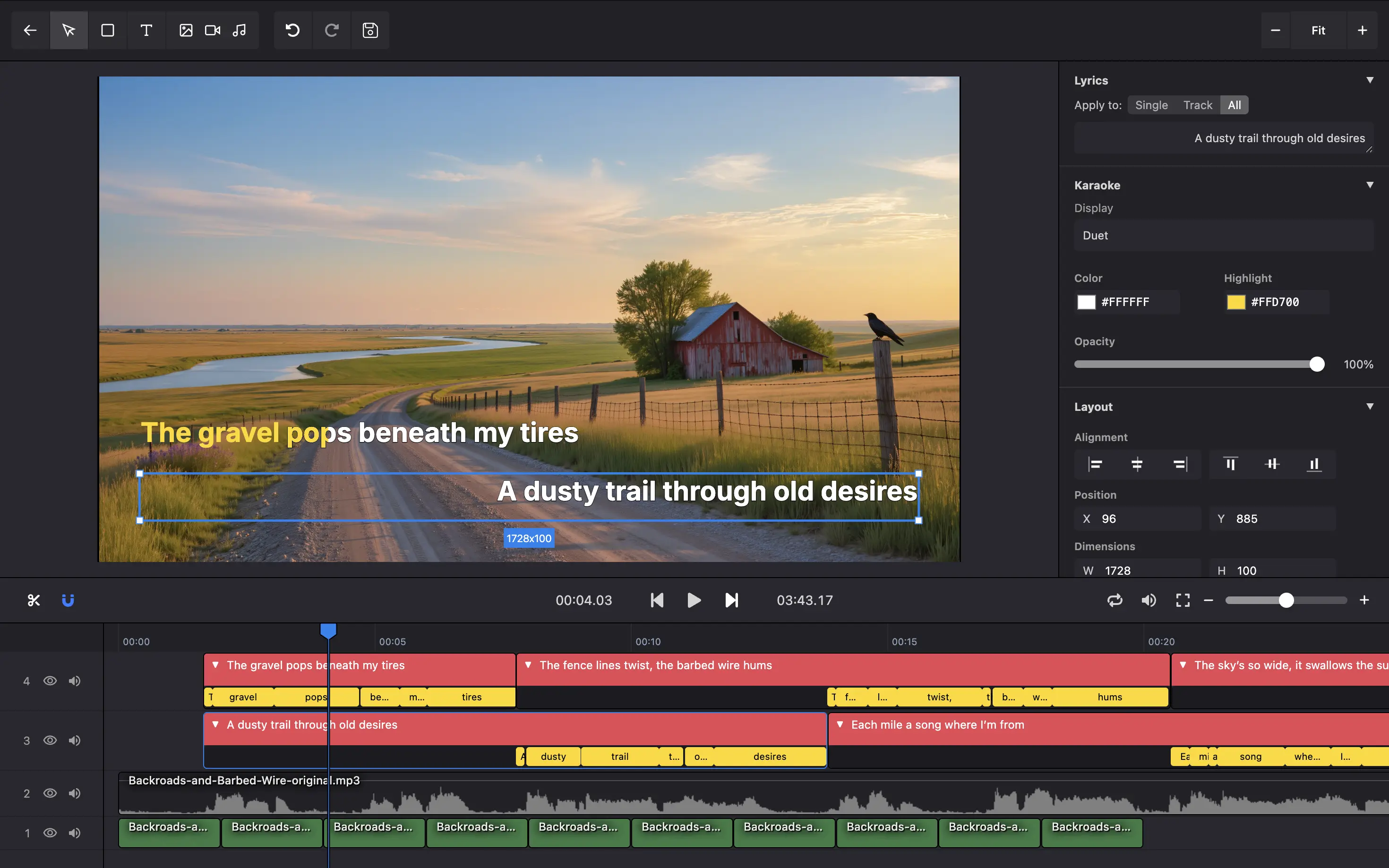
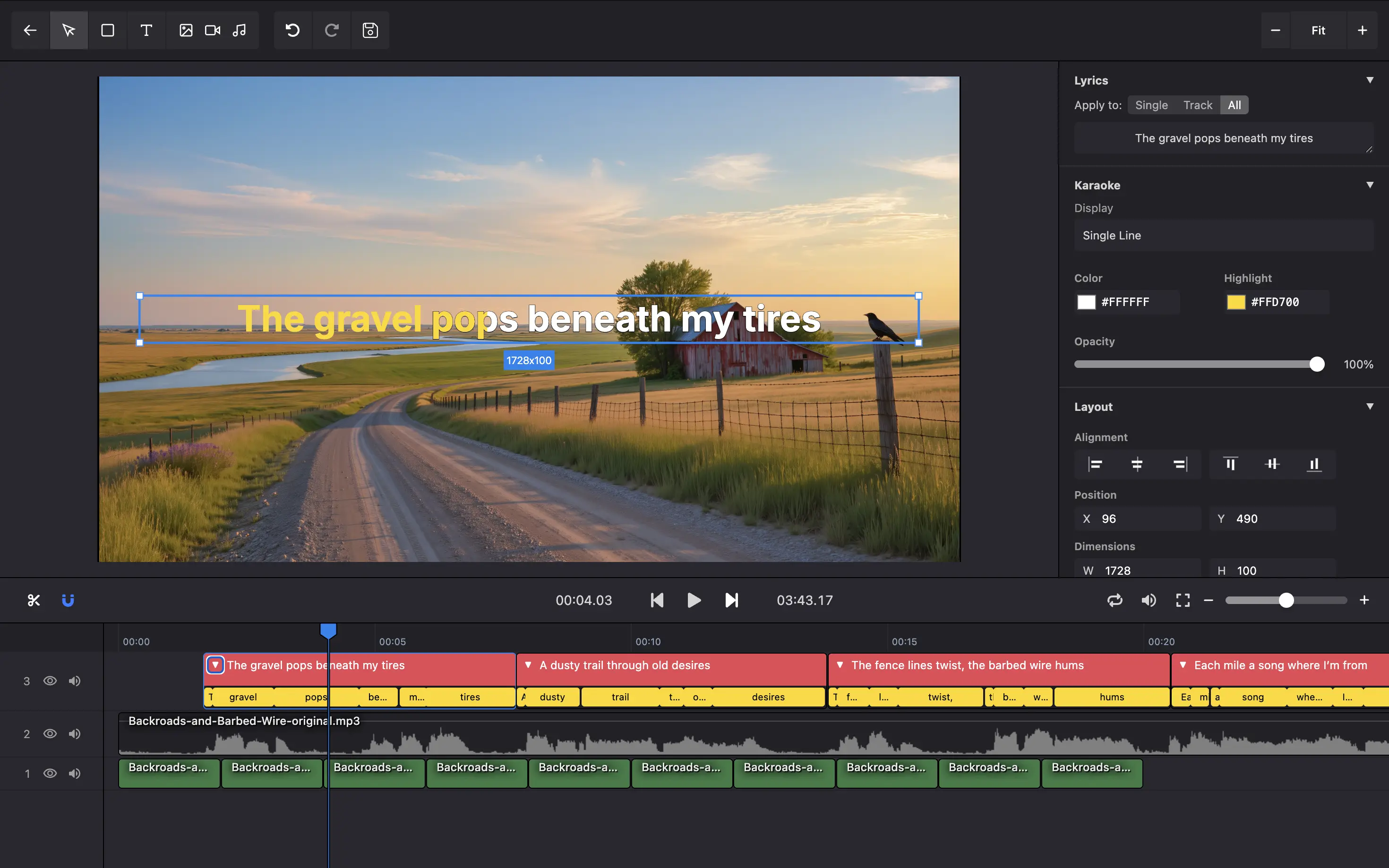
Upload your audio file to Karadeo, then import your LRC file. Karadeo will automatically parse the timestamps and display your lyrics in sync with the music.
Creating Karaoke Videos with Enhanced LRC Files
Generate Enhanced LRC
Use QuickLRC's Enhanced LRC Generator to create an LRC file with word-level timing. This advanced format includes timestamps for each individual word.
Enhanced LRC File Format Example:
[00:01.68]<00:01.68>The <00:01.84>gravel <00:03.04>pops <00:04.72>beneath <00:05.50>my <00:06.01>tires
[00:07.76]<00:07.78>A <00:07.96>dusty <00:09.03>trail <00:10.57>through <00:11.05>old <00:12.56>desires
[00:13.82]<00:13.82>The <00:13.97>fence <00:14.72>lines <00:15.49>twist, <00:16.60>the <00:16.97>barbed <00:17.72>wire <00:18.56>hums
[00:20.48]<00:20.48>Each <00:20.76>mile <00:21.40>a <00:21.84>song <00:22.48>of <00:22.76>where <00:23.28>I'm <00:23.84>from
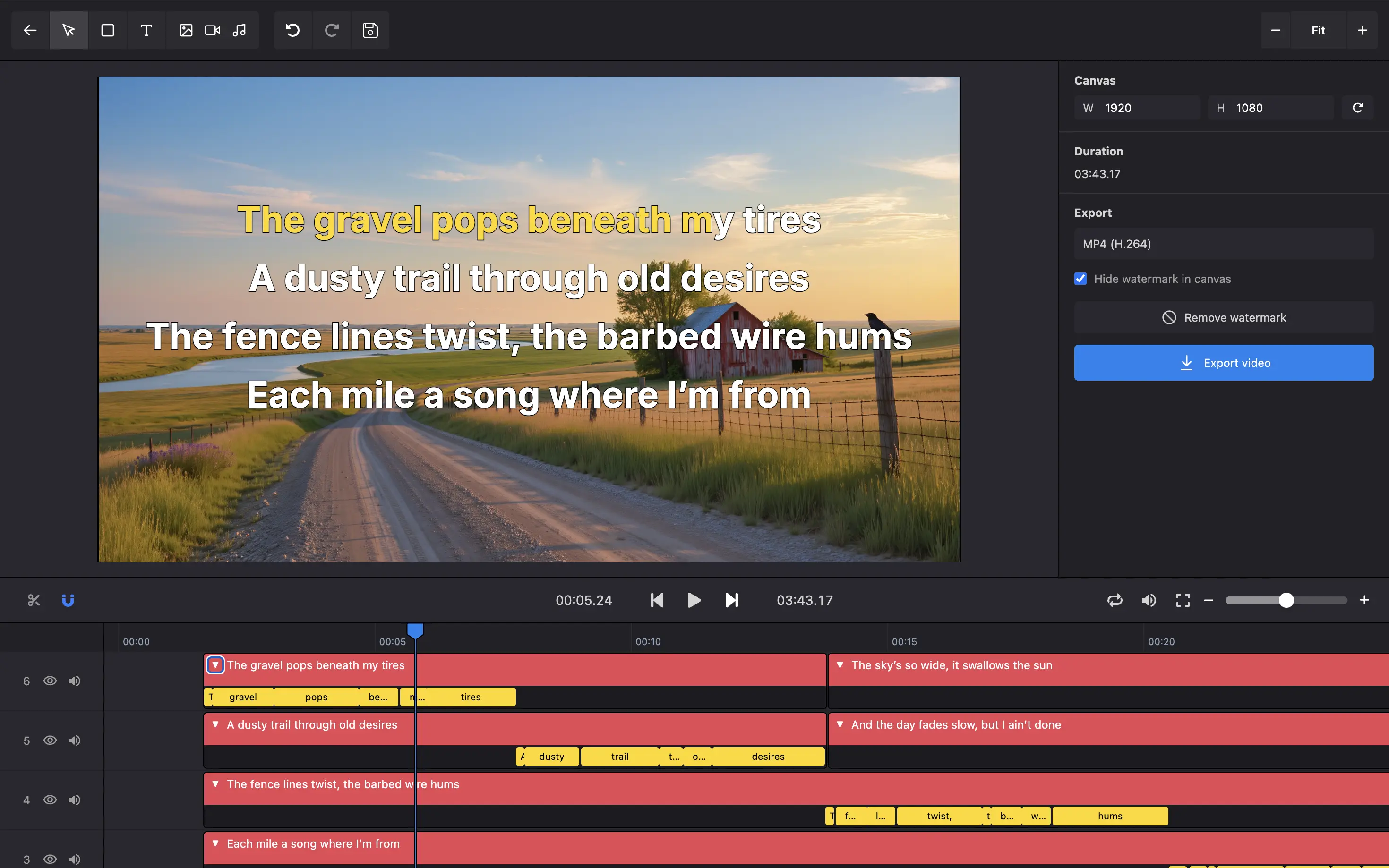
Enhanced LRC enables real-time word highlighting - the hallmark of professional karaoke. As each word is sung, it gets highlighted, helping singers stay perfectly in time with the music.
Import Enhanced LRC to Karadeo
Import your Enhanced LRC file into Karadeo just like a standard LRC file. Karadeo will automatically detect the word-level timestamps and enable word-by-word highlighting.
The editor will show each word's timing, allowing you to fine-tune the synchronization if needed.
Preview and Export
Preview your karaoke video to see the word highlighting in action. Each word will light up precisely when it should be sung, creating a professional karaoke experience.
Once satisfied, export your video in your preferred format and resolution for sharing on YouTube, social media, or karaoke platforms.
Template Guide: Choosing the Right Style
Each Karadeo template serves different use cases. Here's how to pick the best one for your project.
Classic Template
The Classic template displays lyrics in the traditional karaoke style - typically at the bottom of the screen with a clean, readable format.
Best for:
- Traditional karaoke venues and home karaoke
- YouTube karaoke videos
- Sing-along content with clear, easy-to-read lyrics
Single Line Template
The Single Line template shows one line of lyrics at a time, creating a minimalist, modern aesthetic.
Best for:
- Instagram Reels and TikTok videos
- Modern lyric videos
- Clean, distraction-free presentations
- Mobile-first content
Duet Template
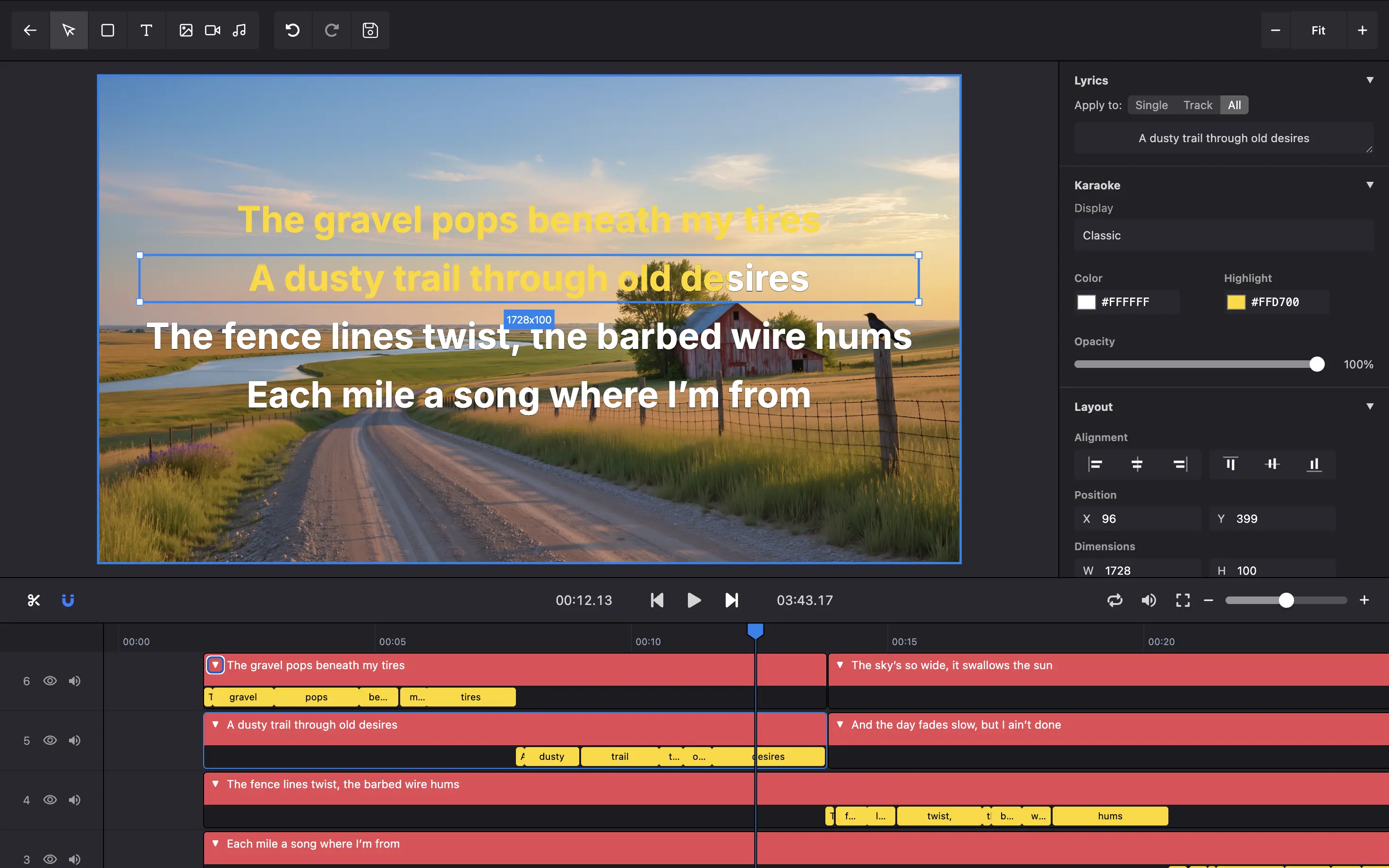
The Duet template is designed for songs with two vocalists, using visual separation or color-coding to indicate which singer performs each part.
Best for:
- Duet songs and collaborations
- Call-and-response style music
- Songs with distinct male/female parts
- Group performances with alternating vocals
When creating LRC files for duets in QuickLRC, consider adding markers or using our manual editor to clearly separate each singer's parts before importing to Karadeo.